Import ESRI Data
Aurora integrates with ESRI ArcGIS services through two dedicated components:
ESRI Browser - discover and inspect ArcGIS services
Pipelines - ingest ArcGIS layers into Aurora datasets
These tools allow you to explore ESRI content, evaluate layers, and optionally convert them into Aurora-managed data for maps, dashboards, and analysis.
Overview
ESRI data accessed by Aurora originates from ArcGIS REST services, including:
Feature Services
Map Services
Layer endpoints
Hosted ArcGIS layers
Aurora does not depend on ESRI software. Instead, it connects directly to ArcGIS service endpoints and retrieves data through Pipelines.
ESRI Browser
The ESRI Browser provides a discovery interface for ArcGIS services.
You can:
Enter ArcGIS REST service URLs
Browse available layers
Inspect fields and geometry
View service metadata
Preview spatial content
Identify layers suitable for ingestion
The Browser helps evaluate ESRI sources before creating a Pipeline.
Creating a Pipeline from ESRI
To import data from ESRI, either as a one-off migration or Scheduled import
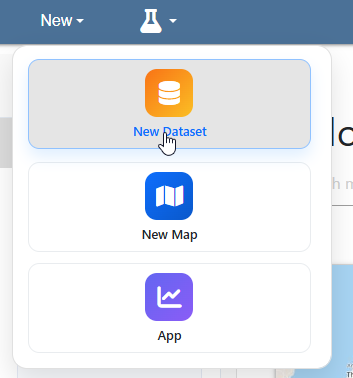
Click on New > New Dataset
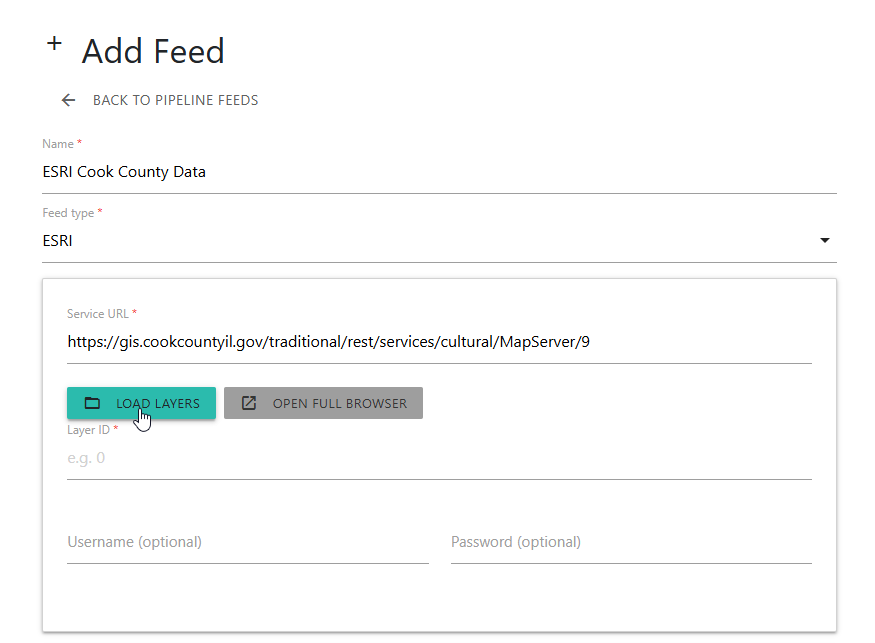
Enter ArcGIS service URL and click Load Layers
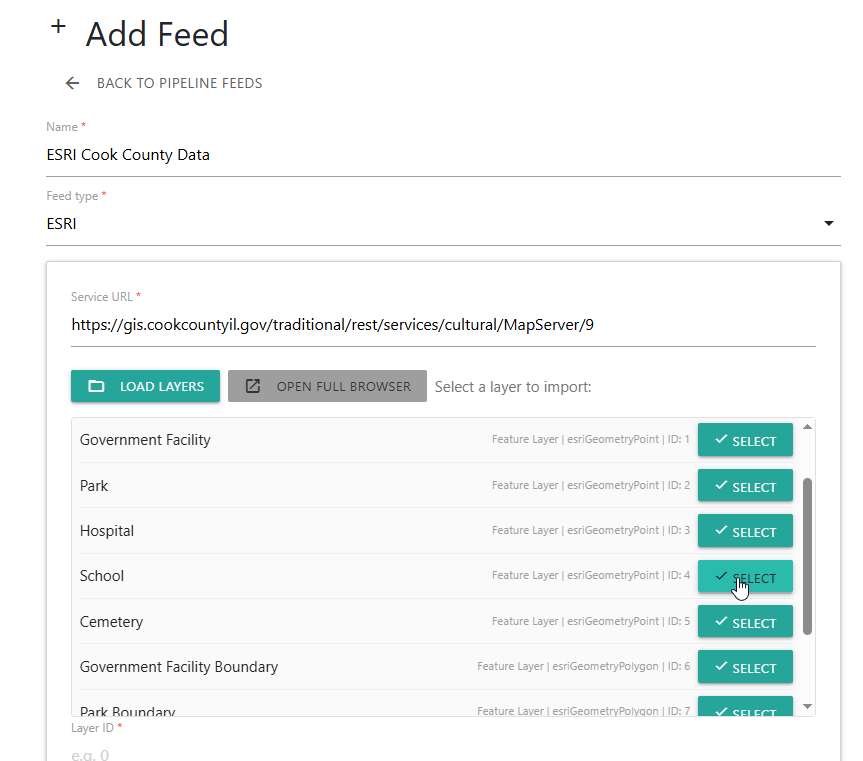
Select the Layer to import
If username and password are required, enter them here. If a one-time import, use default, if Scheduled, select Schedule.
Click the Save button
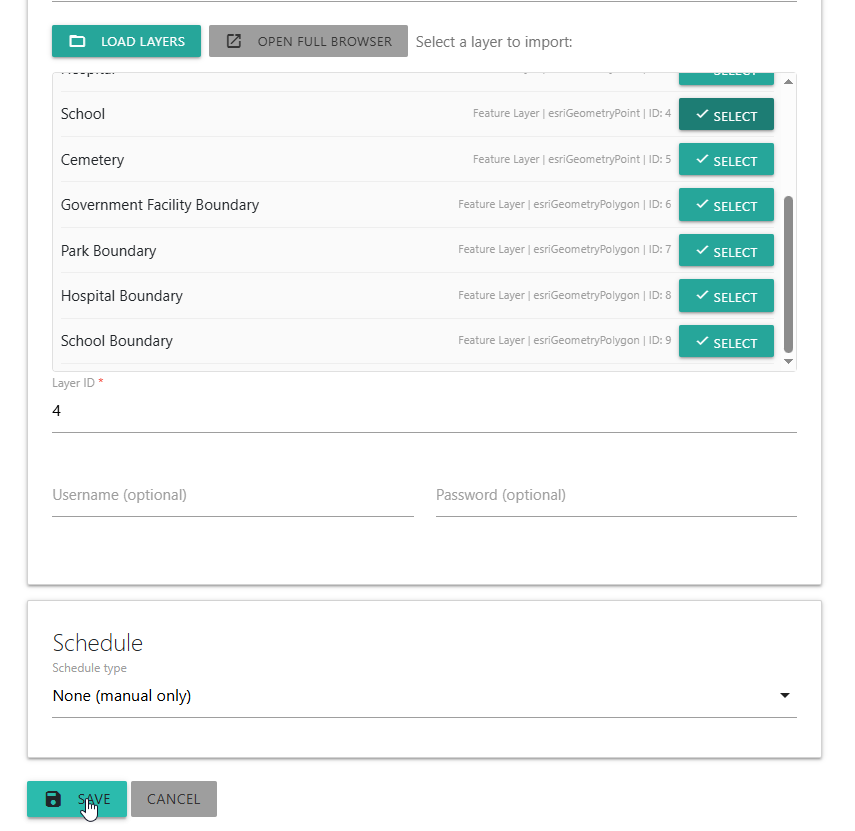
A dataset is now created from the ESRI layer
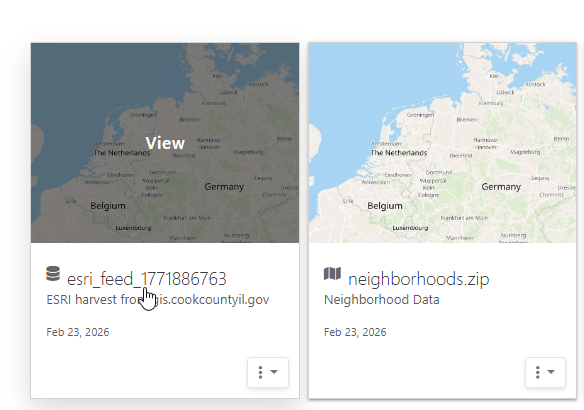
Configure dataset, map, etc.. You can now use the dataset as well as use dataset in Maps, Dashboards, and other functions
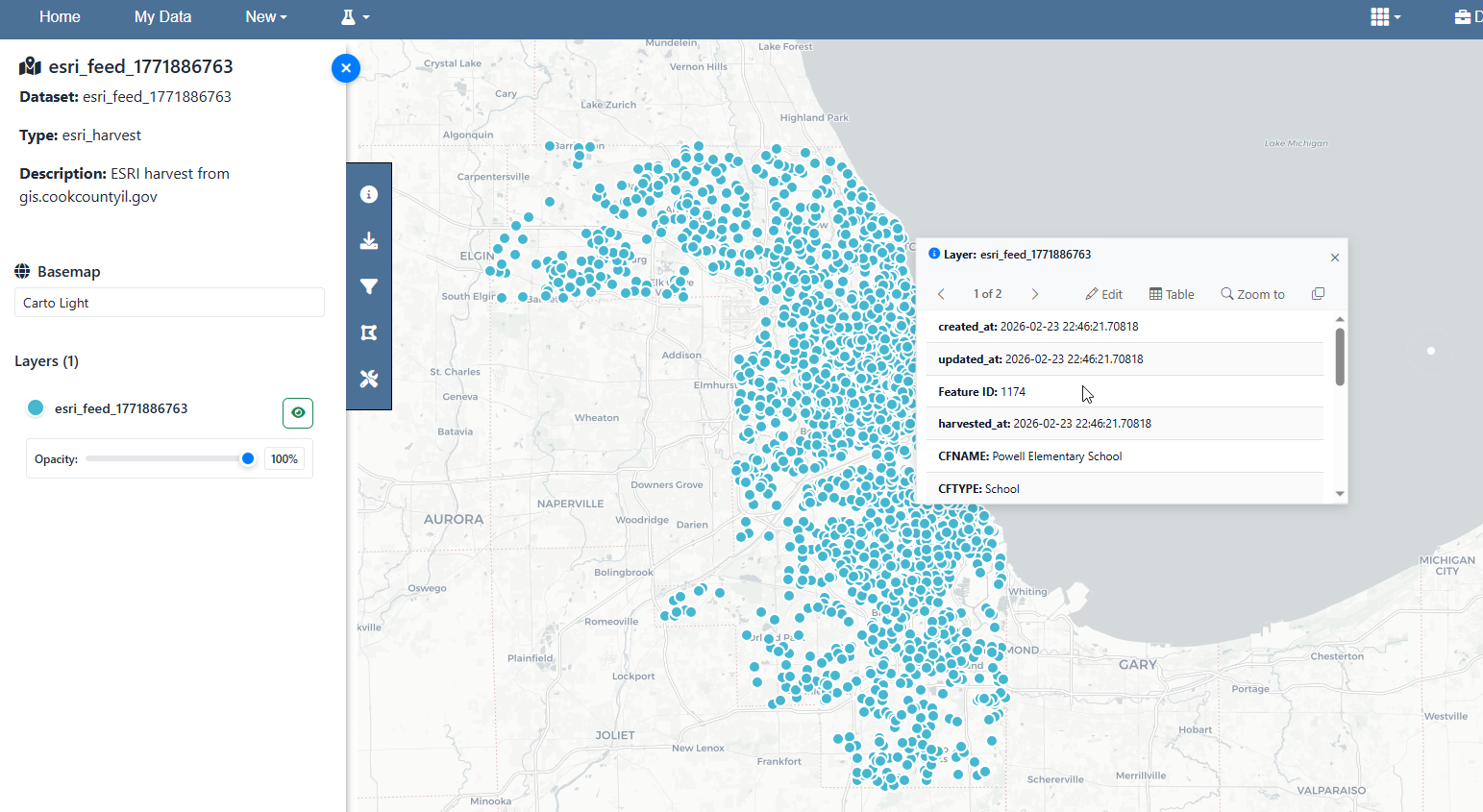
The Pipeline retrieves features from the ArcGIS service and stores them in PostGIS as an Aurora dataset.
When to Use ESRI Browser Only
Use the Browser without ingestion when:
Exploring unknown ArcGIS services
Inspecting schema or geometry
Cataloging external GIS endpoints
Comparing data sources
Identifying candidates for Pipelines
No data is stored in Aurora unless a Pipeline is created.
Pipeline Ingestion Behavior
When ESRI data is ingested:
Features are retrieved from the ArcGIS service
Geometry and attributes are normalized
Data is stored in Aurora dataset storage
Dataset identifiers are created
Maps and dashboards can reference the dataset
Scheduled updates can maintain synchronization
This converts external ArcGIS layers into native Aurora data.
Relationship to Maps and Dashboards
ESRI data becomes fully integrated with Aurora once ingested.
Pipeline datasets can:
Drive map layers
Feed dashboard charts
Participate in analysis
Appear in apps and reports
Update automatically on schedule
Maps and dashboards reference the Aurora dataset, not the ArcGIS service.
Relationship to Pipelines
The ESRI Browser is a discovery interface for Pipeline sources.
Pipelines provide:
Data ingestion
Transformation
Scheduling
Dataset creation
Integration with Aurora modules
See Pipelines.